Gmail GIF examples
Animated Gmail GIF examples for your sender logo
The best Gmail profile GIFs are small, subtle, and logo-preserving. Use these examples and prompt ideas to decide what motion to test, then upload your logo and preview the crop free before the $1.99 AI render.
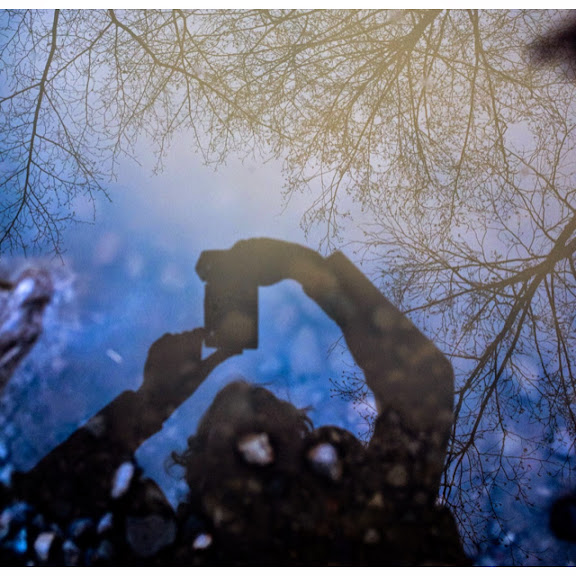 Example: water ripple motionA visual example of the subtle waterdrop motion style to ask for before creating your own render.
Fastest paid path
Ready starter, one-time $1.99
Start from a prepared sender mark and review PayPal before you confirm. No subscription, no account signup, and you can still edit the motion before the render.
Turn an example into your own Gmail GIF
If one of the examples below fits your brand, the fastest path is to upload your real image first. Gmailogo can preserve the logo better when it starts from the actual sender mark instead of text alone.
Pick one example style from this page. Upload your real logo or sender image for the closest result. Preview the crop free before using the $1.99 AI render.
One AI motion render$1.99No subscription. Free preview first. Pay only when you want the AI animation and Gmail-sized export.
See four subtle Gmail GIF styles
These are visual examples of the kind of compact, sender-icon-safe motion to ask for. Use the prompt line as a starting point, then adjust it for your own logo.
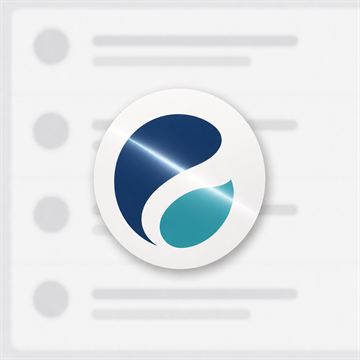
Light sweepSaaS marks, wordmarks, and polished business senders
a clean light sweep passes once across the logoUse this motion
Gentle floatFriendly founder, creator, and newsletter accounts
the logo gently floats up and downUse this motion
Tiny shineHigh contrast marks that need a subtle premium feel
small shine around the edgesUse this motionChoose a motion by sender type
Start with the job of the inbox. A founder, support alias, and launch account usually need different motion restraint.
Motion prompt ideas to try
Pick one simple effect. A Gmail avatar is tiny, so clean motion beats complex animation almost every time.
Water ripplewaterdrop ripple across the logo, keep the original shape and colorsGlossy logos, blue marks, clean personal brandsUse this motion
Light sweepa clean light sweep passes once across the logo, subtle and premiumWordmarks, monochrome icons, SaaS sender imagesUse this motion
Gentle floatthe logo gently floats up and down, no warping, no background changeRound marks, mascots, simple profile photosUse this motion
Tiny shinesmall shine around the edges, preserve all letters and symbolsHigh contrast logos that need polish without distractionUse this motion
What makes a good Gmail GIF?
- Keep the source image square and high contrast.
- Ask for one motion idea, not a full scene.
- Tell the model to preserve letters, symbols, colors, and layout.
- Test the downloaded GIF in the Gmail clients your audience uses.
What the paid render includes
One AI animation render for $1.99 Compact square GIF export Download after generation, no subscription
Start with a motion exampleStart with a real test
Animated profile images can display differently across Gmail clients and Google Workspace settings. Create a compact GIF, upload it, and send yourself a test email before using it broadly.