Gmail profile picture examplesGmail profile picture examples for business senders
Compare compact sender-image examples before changing your Gmail or Google Account photo. Use these visual directions to decide whether your account needs a logo, founder image, initials mark, or subtle animated GIF test.
Fastest paid pathReady starter, one-time $1.99
Start from a prepared sender mark and review PayPal before you confirm. No subscription, no account signup, and you can still edit the motion before the render.
Four Gmail profile picture examples
These examples use different motion styles, but the same practical rule: preserve the source image and keep the sender icon readable at small size.
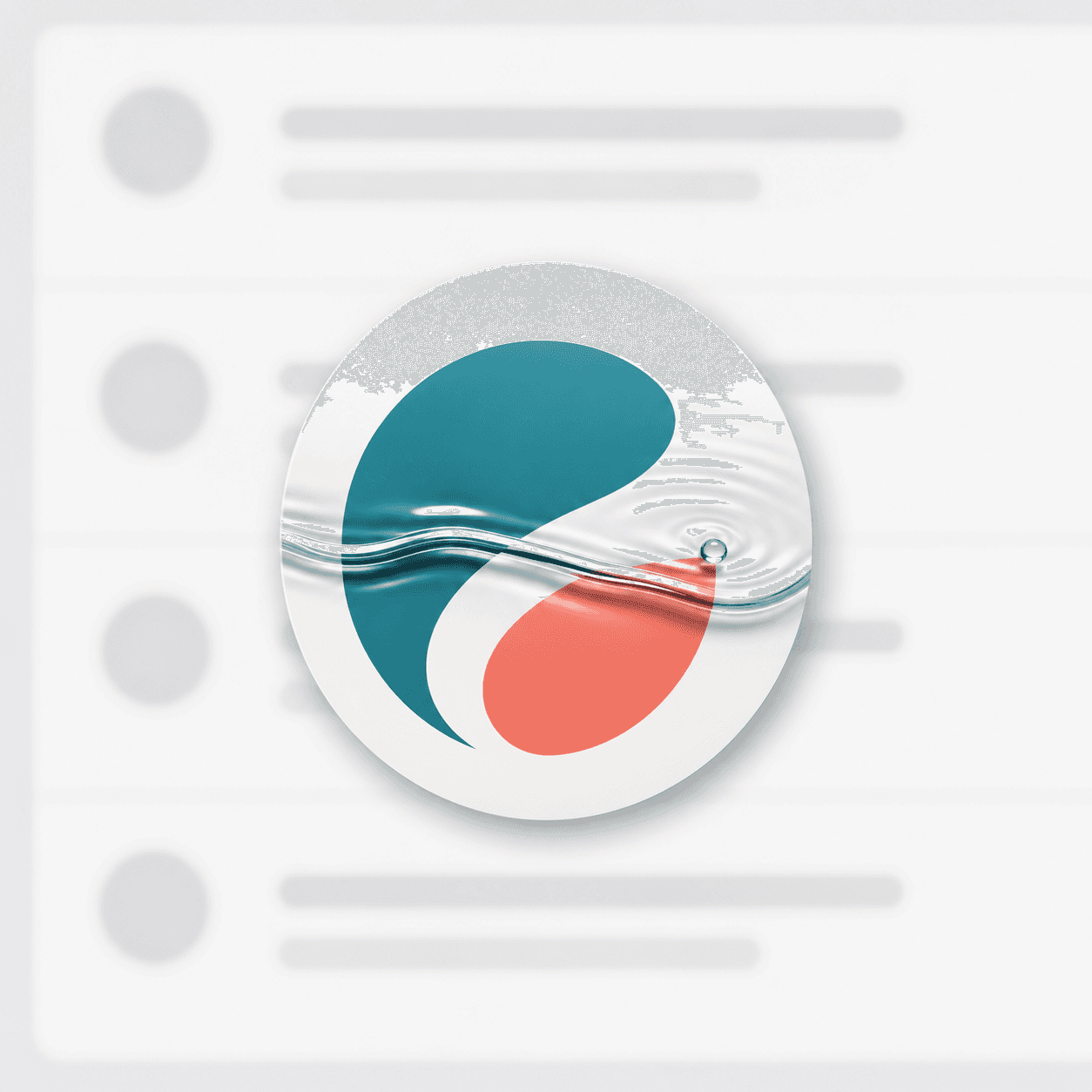
Logo with water ripplePersonal brands, clean blue marks, and polished founder accounts.waterdrop ripple across the logo, keep original shape and colorsUse this example 
Business mark with light sweepSaaS tools, agencies, and small brands that need a more premium sender image.a clean light sweep passes once across the logo, subtle and premiumUse this example 
Friendly sender with gentle floatCreators, newsletters, founder outreach, and approachable customer replies.the logo gently floats up and down, no warping, no background changeUse this example 
High-contrast mark with tiny shineSupport, sales, and launch inboxes where the mark should feel finished but not loud.small shine around the edges, preserve all letters and symbolsUse this example Checklist before choosing one
- Use a square source image so Gmail's circular crop is predictable.
- Keep the face, initials, logo, or product mark centered.
- Avoid tiny text around the edge because inbox avatars are small.
- Choose one subtle motion idea and keep the first frame readable.
- Send a test email before using the image broadly.
Create from your own source image
Gmailogo lets you upload a logo, headshot, initials mark, or product icon, then preview a compact GIF-style sender image before checkout. Paid export is one AI motion render for $1.99.
Create one profile picture GIF